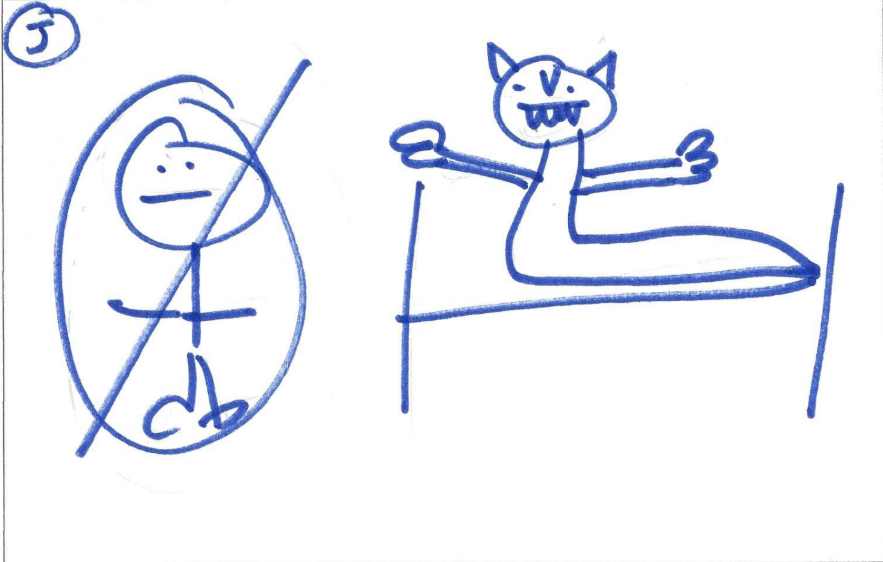
I have always called the game "Give or Take," but I like the title "The Unfair Game," because that so describes this game. Here is a link to the directions which Martina Bex has written up for the activity. However, I have always used it with a PowerPoint that has a grid with hyperlinks. The game is still played the same way but now with a visual. Students will pick a number from the grid, and the point total is revealed using the hyperlink. Although it is a generic grid and I have to write in new questions and answers, I can re-use the basic template.
Give or Take PowerPoint example
- Download the PowerPoint and change the questions/answers.
- Don't touch the hyperlinks when editing.
- The two icons, face and thunderbolt, are purely decorative. Choose which icon you want to be "give" and which one will be "take" - both icons have the same point value attached to it.
Directions for PowerPoint version
- Project the slide which has the number grid.
- Ask a student to pick a number from the grid, and click on that number. There should be a hyperlink on that number,
- Ask the question now on the screen.
- Student will respond.
- Click on the screen to reveal the answer. Be sure NOT to click on the face or thunderbolt.
- If the response is correct, ask if the student wants to give or take the points.
- If the response is incorrect, ask the other team if it wishes to give or take the points.
- Click on the icon, and a point total will be revealed.
- Click on the yellow reverse arrow, and you should now be at the original number grid. Numbers which have already been called will now be a different color.
- Begin again with a new student on the other team.
Observations
- Students REALLY get into this activity!
- This is a great post-reading activity for a story, because there are so many different types of questions which you can ask (see Martina Bex's examples).
- Quite honestly, although there are questions involved with this activity, for students it is all about giving or taking the points and making the correct choice for their teams.
- I always tell students that they will either love this game or hate it depending on which end of the "fair/unfair" that they are on.
- I also tell students that it is best to volunteer to be one of the first ones to pick a question, since there is not any stress just yet in the activity.
- I have had students deliberately miss a question for which they knew the answer, because they did not want the stress of having to choose either give or take.
- The PowerPoint does not transfer well to Google Slides, because the hyperlinks get all messed up, so I just edit the PowerPoint template each time I use it.
- Miss Maestra in the Middle's' version - great way to involve ALL students in the game at the same time instead of just two teams.
- This is an easy game to keep in the target language, since the questions/answers are in the target language, and I keep the dialogue basic and formulaic:
Student: I want to take.
Teacher: O class, _________ wants to take. And the points are ____________.